
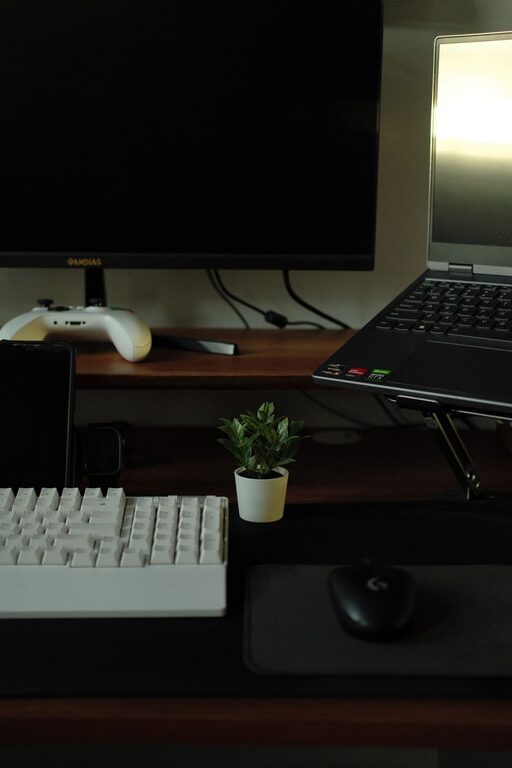
Creating a well-organized workspace is more than just keeping your desk neat—it’s about setting up an environment that helps you focus, reduces stress, and improves overall productivity. Whether you work from home, in an office, or a shared space, a clutter-free and thoughtfully arranged workspace can make a big difference in how efficiently you tackle your tasks.
In this post, we’ll explore simple tips for organizing your workspace so you can boost your productivity and enjoy a more comfortable and inspiring work environment.
Why Organizing Your Workspace Matters
A messy or cluttered workspace can lead to distractions, make it harder to find important items, and even increase stress. When your space is organized, you spend less time searching for things and more time focused on your work. An organized workspace also creates a sense of control that can motivate you to be more productive.
Tips for Organizing Your Workspace
1. Declutter Regularly
Start by clearing off your desk and only keeping essential items within reach. Remove old papers, stationery you never use, and miscellaneous items that take up space without adding value.
How to declutter:
– Sort through papers and file or recycle what you don’t need.
– Clear out drawers and remove broken or unused supplies.
– Donate or discard items that you no longer use.
Aim to make decluttering a weekly or monthly habit to keep your space fresh.
2. Use Storage Solutions
Invest in storage solutions that help you organize items neatly. This can include:
– Drawer organizers
– Desktop trays or file holders
– Shelves or bookcases
– Boxes or bins for extra supplies
Label your storage containers so you know exactly where things go, which makes putting items away faster and easier.
3. Manage Cables and Chargers
Tangled cables are a common source of desk clutter. Use cable organizers, clips, or ties to keep cords neat and out of the way.
Cable management tips:
– Group cables using cable sleeves.
– Attach power strips to the underside of your desk.
– Unplug chargers when not in use to reduce clutter.
4. Optimize Your Desk Layout
Arrange your workspace to suit your workflow. Keep frequently used items like your computer, mouse, and notepad within easy reach. Items you use less often can be placed a little further away.
Desk layout ideas:
– Keep your monitor at eye level to reduce strain.
– Position your keyboard and mouse comfortably to prevent fatigue.
– Place a small plant or personal item to make your workspace inviting but not distracting.
5. Go Paperless When Possible
Paper can quickly pile up and cause clutter. Try digitizing documents and notes whenever it’s an option.
Going paperless includes:
– Using apps for note-taking and task management.
– Scanning important documents for digital storage.
– Paying bills and receiving statements electronically.
6. Set up a Routine Cleanup Time
Set aside a few minutes at the end of each day or week to tidy up your workspace. This quick routine helps maintain organization in the long term.
7. Keep Personal Items Minimal
Adding personal touches like photos or decorations can make your workspace feel comfortable and motivating. However, limit these to only a few items to keep your focus intact.
8. Prioritize Lighting and Ergonomics
Good lighting and a comfortable setup are essential for productivity. Organize your workspace near a natural light source if possible and use adequate lamps.
Ergonomic chairs, adjustable desks, and monitor stands can contribute to a better posture and less fatigue, allowing you to work more effectively.
Final Thoughts
Organizing your workspace doesn’t have to be complicated or expensive. Even small changes like clearing clutter, managing cables, and optimizing your desk setup can have a big impact on your productivity. By taking the time to create a clean, efficient, and comfortable space, you set yourself up for success every day.
Try implementing one or two of these tips this week and notice how your work habits and focus improve!